Integrating AI in 2026: The 5 Best Steps (Backed by 2025 Results)
Integrating AI in 2026: The 5 Best Steps (Backed by 2025 Results)
Why this matters as we head into 2026
The 5 best steps to integrate or adapt AI in 2026
Proof Points from Real Programs
Why this matters as we head into 2026

In 2025, organizations crossed a clear threshold. AI moved out of experimentation and into everyday work. Teams were no longer just testing tools. They were embedding AI into real workflows.
Message volume increased. Reasoning-based use cases expanded. Custom GPTs and internal assistants became more common. Most importantly, employees began saving meaningful time, often 40 to 60 minutes per active workday.
At the same time, a gap widened. Some organizations simply gave teams access to tools. Others invested in enablement, governance, and repeatable habits. The latter group moved faster, with less friction and fewer risks.
As we look toward 2026, this distinction matters more than ever. Access alone is no longer the advantage. Enablement is.
The 5 best steps to integrate or adapt AI in 2026
1. Start small and co-own the work: pilot a digital teammate

The fastest way to create momentum is not to boil the ocean. It is to start with one high-value, low-risk workflow.
Common starting points include HR communications, employee onboarding, curriculum development, or internal IT support. These workflows are frequent, structured, and measurable. That makes them ideal for a first pilot.
Co-own the pilot from day one. When HR and IT sponsor the effort together, adoption and guardrails move in sync. Governance is not an afterthought. It becomes part of how the assistant is designed and used.
Treat the assistant like a role, not a tool. Give it a clear job description.
At LearnAIR, we use a simple build pattern:
Persona (who): tone, scope, expertise, and what success looks like
SOP or special instructions (how): step-by-step rules the assistant must follow
Conversation starters: two to four questions the assistant asks before starting work
This structure creates a digital teammate that is predictable, testable, and easy to improve.
Outcome: a dependable assistant you can teach, measure, and scale.
2. Set governance on day one, not after a mishap

Governance works best when it is lightweight and explicit.
Before your pilot launches, decide how the assistant can be shared. Clarify whether it is private, organization-only, link-limited, or public. Define which capabilities are enabled, such as browsing, downloads, or code execution. Establish clear refusal patterns so the assistant knows when to say no.
A simple risk register helps teams move faster with confidence. Pair this with a single approved knowledge folder that the assistant is allowed to reference.
When guardrails are clear, teams stop guessing. That clarity accelerates adoption.
Outcome: teams move quickly without compromising safety.
3. Prevent overload by pairing long outputs with short ones

One of the biggest friction points in AI adoption is output fatigue.
AI can generate long documents easily, but leaders and teams rarely have time to read everything.
The solution is not shorter thinking. It is layered communication.
For every substantial output, require the assistant to also generate:
A three-bullet executive summary
A 10 to 15 minute audio overview that leaders can listen to
A clear decision list that answers one question: what changes on Monday
This approach respects how people actually consume information.
Outcome: faster decisions, higher adoption, and less cognitive load.
4. Solve versioning early

Version confusion quietly erodes trust in AI-supported work.
Without clear conventions, teams waste time redoing work, debating which document is current, or accidentally using outdated information.
Create a simple standard for file names, conversation titles, and “latest document” markers. Require the assistant to confirm which version it is reading before it starts working. Add a brief changelog to final outputs.
These small habits dramatically reduce rework.
Outcome: fewer errors, cleaner handoffs, and safer knowledge reuse.
5. Shift from one-off training to ongoing enablement

Training introduces skills. Enablement sustains behavior.
In 2026, organizations that win with AI will move beyond single sessions. They will support continuous learning through office hours, mini-challenges, living FAQs, and shared examples.
Align enablement with measurable outcomes. Track time saved, throughput, quality, and adoption. Expand gradually from one digital teammate to a small team of role-specific assistants.
This is how AI becomes part of daily work instead of a novelty.
Outcome: durable behavior change and measurable return on investment.
What 2025 taught us

Across programs and pilots, a few patterns consistently emerged:
Long outputs overwhelm people. Pairing them with summaries and audio changes how leaders engage.
Versioning and ownership issues slow teams down. Clear naming conventions solve most of this friction.
Governance questions must be answered before rollout, not during it.
The Persona to SOP to Conversation Starter structure makes assistants safer and more teachable.
Adding a contrarian or reviewer persona helps avoid default agreement bias.
These lessons now form the foundation for 2026-ready AI enablement.
Proof Points from Real Programs

After six sessions, participants reported:
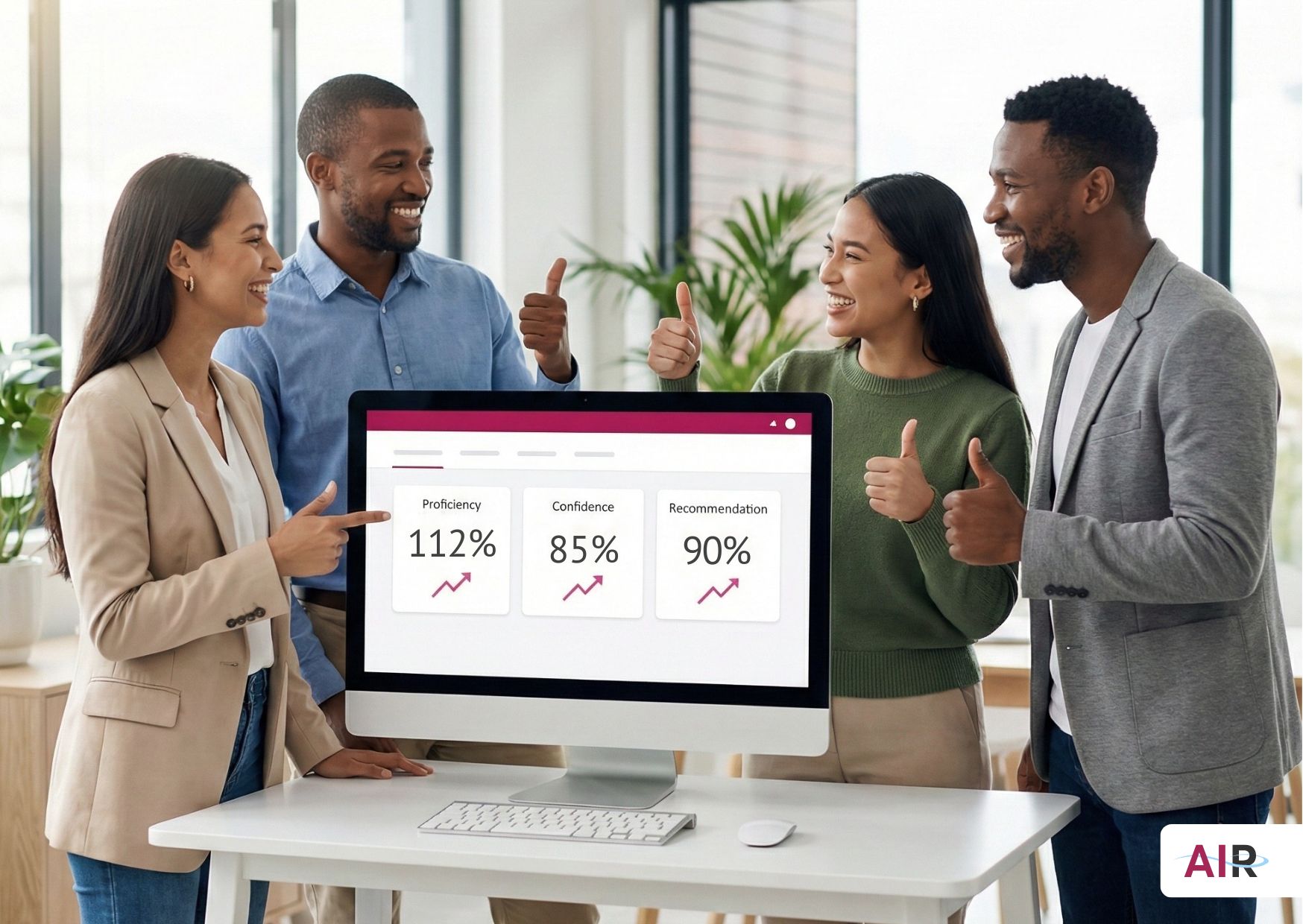
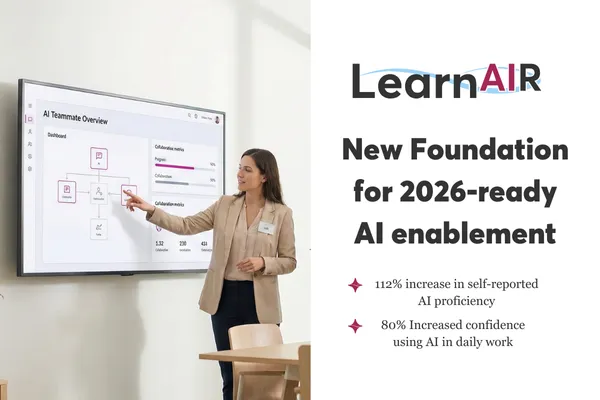
Over 100 percent growth in self-reported AI proficiency
90% High recommendation and satisfaction rates
85% perceived value, citing clear improvements in day-to-day efficiency and relevance to real work
85% Increased confidence using AI in daily work
The takeaway is simple. When teams are enabled properly, they move from curiosity to capability quickly and stay there.
A Practical 30-day Plan to Get Started

Week 1: Choose a workflow, assign HR and IT co-sponsors, and draft governance rules.
Week 2: Build your first digital teammate using the Persona, SOP, and Starter structure. Connect an approved knowledge folder.
Week 3: Run a guarded pilot with five to ten users. Require summaries and audio briefs for all long outputs.
Week 4: Capture wins, resolve versioning pain points, and decide whether to expand to a second role.
Your Next Step
2026 will reward organizations that focus on enablement, not just access.
If you want a practical starting point, download the AI Enablement Launch Kit. It walks you through choosing the right pilot, setting guardrails, and building your first digital teammate in 30 days.
If you would rather move faster with guidance, book a workflow review call. We will help you scope a pilot that proves value quickly and safely.

Human-first. AI-ready.